Getting Started with Coding
Step 1: Pick a Language
Think about what excites you most:
- Want to build websites? Start with HTML
- Curious about apps or games? Try Java or C++
- Looking for something beginner-friendly and versatile? Go with Python
Not sure? Head over to our Comparison Guide or take our quick quiz to find your perfect match!
Step 2: Install the Tools You Need
Each language needs a different setup—but don't worry, it's easier than you think!
Here's a quick start:
- Python: Download from python.org, install, and you're good to go. Use tools like IDLE or VS Code to write code.
- HTML: No installation needed! Just use a text editor (like Notepad, VS Code, or Sublime Text) and a browser.
- Java: Install the Java Development Kit (JDK) and use an IDE like IntelliJ IDEA or Eclipse.
- C++: Get a compiler like MinGW (for Windows) or Xcode (for Mac). Try IDEs like Visual Studio.
Step 3: Run Your First Program
Every Programmer Starts Small
Try these first programs:
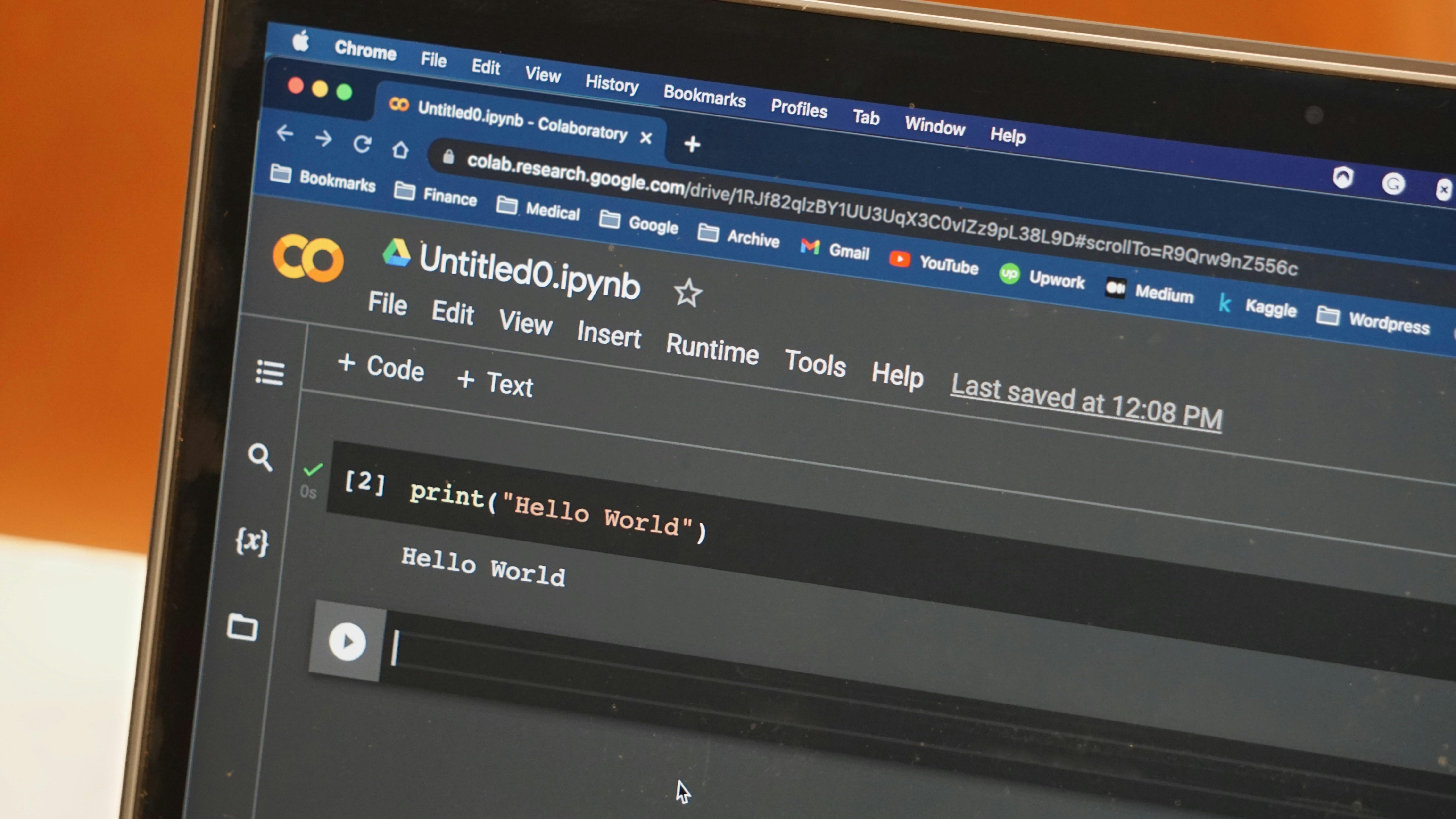
Python:
print("Hello, World!")(No extra setup—just type and run!)
HTML:
<html><body><h1>Hello, World!</h1></body></html>(Save it as .html and open in your browser.)
Java:
public class HelloWorld {
    public static void main(String[] args) {
        System.out.println("Hello, World!");
    }
}
(Compile and run with a Java IDE or terminal.)
C++:
#include <iostream>
using namespace std;

int main() {
    cout << "Hello, World!";
    return 0;
}
(Compile with your C++ tool and run the executable.)
Step 4: Keep Learning!
You've taken the first step—now keep going!
- Practice with small projects (games, calculators, simple websites)
- Explore tutorials, videos, or courses online
- Join coding communities for tips and support
- Build a portfolio of your work as you learn
Coding is a journey, not a race—take your time, have fun, and keep experimenting!